Clear out your photoswithout losing the good ones.
Nitor shows you which pictures you have more than once. Nothing is deleted until you say so.
Your photos stay on your own computer. No account, no subscription.
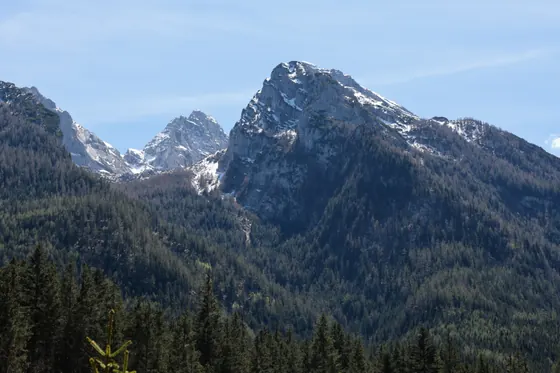
One burst: 6 shots in a single second

 Best shot



You would free up here
27.9MB
5 of 6 marked · 34.1 MB in this group
IMG_3275 to IMG_3280, from a real collection.
Collected over the years
Ten years of a phone, a camera as well, and a few backup copies into the same folder. Twenty to a hundred thousand pictures is quite normal, and a good part of it sits there more than once.









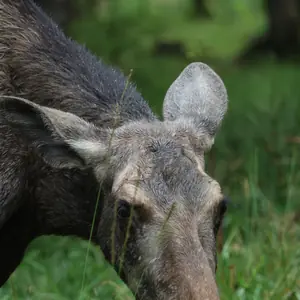
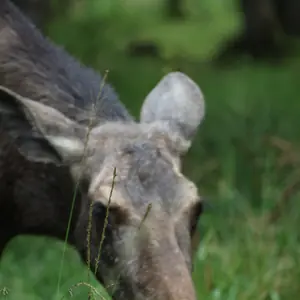

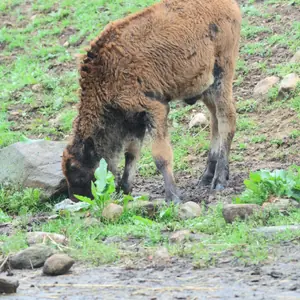
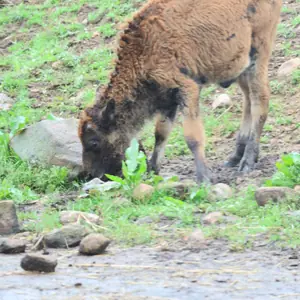





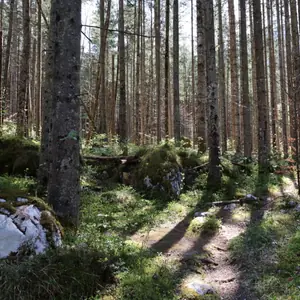
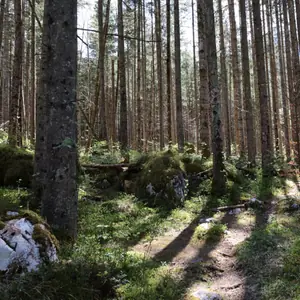
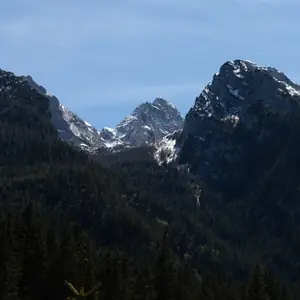
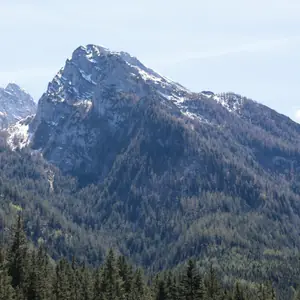
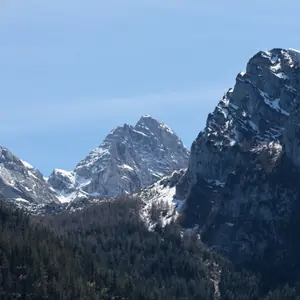

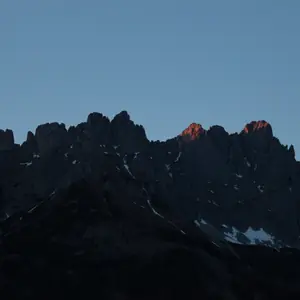
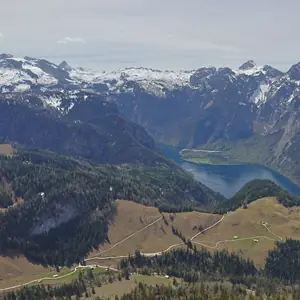
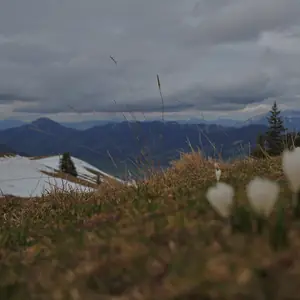
Three kinds of pictures that resemble each other
Genuinely duplicated
The same file, saved twice
Exactly the same. One of them can go without a thought.
exactly the same
 =
=two files, one picture
Burst shots
The shutter stayed pressed
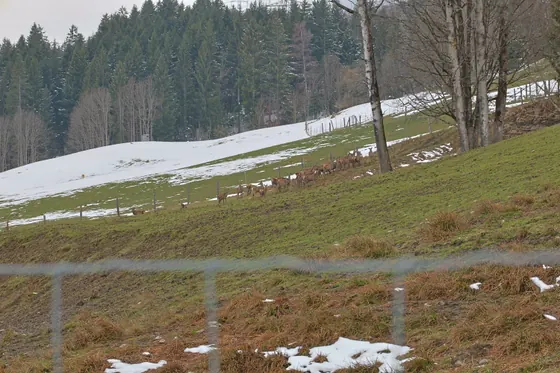
Four shots in a single second. Different pictures, and only you can see which of them is best.
you decide
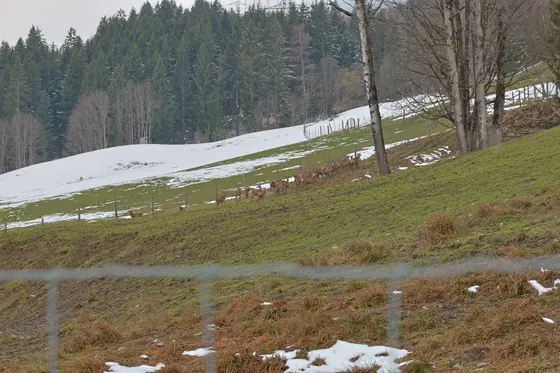
12:00:31
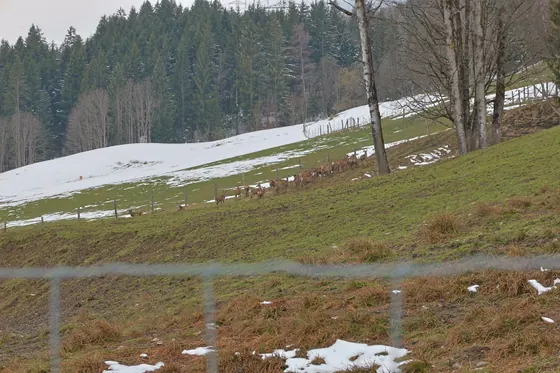
12:00:32
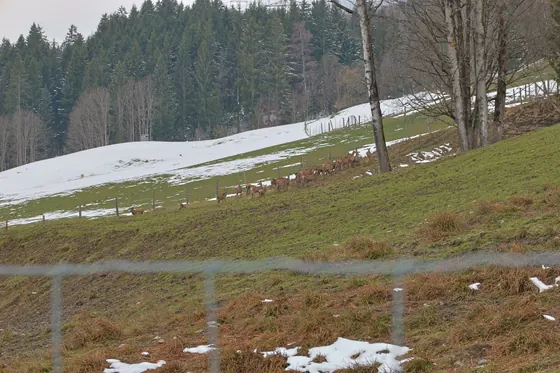
12:00:32
12:00:32
Nearly the same picture
Once large, once small
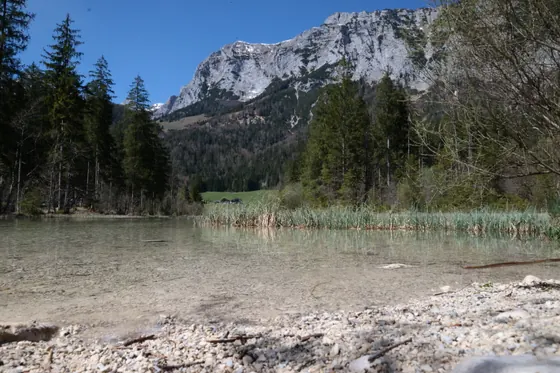
Shrunk for sending, or saved again. Different file, same picture.
looks the same
6,000 px · 1,200 px
No upload
Your photos stay on your own computer.
The analysis happens entirely on your side, inside the program itself. Not one picture is uploaded, no preview and no file. Nitor needs no constant internet connection; the licence key is re-checked from time to time.
- Your photos
- stay where they are
- Uploaded
- not one picture
- The analysis runs
- on your computer
- Account or subscription
- neither
The pile
One decision after another
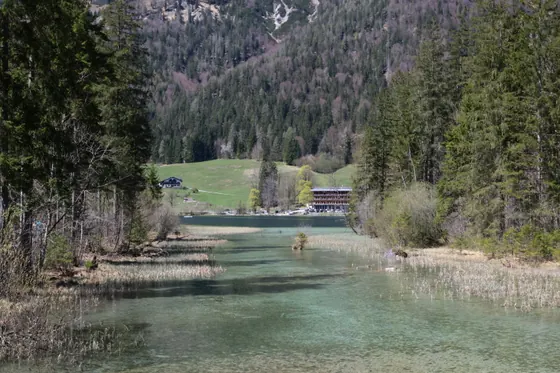
A collection that has grown on its own holds thousands of decisions. Nitor brings up one picture after another: by swipe, side by side, or one at a time.
An illustration. Which shot goes which way is yours to decide.

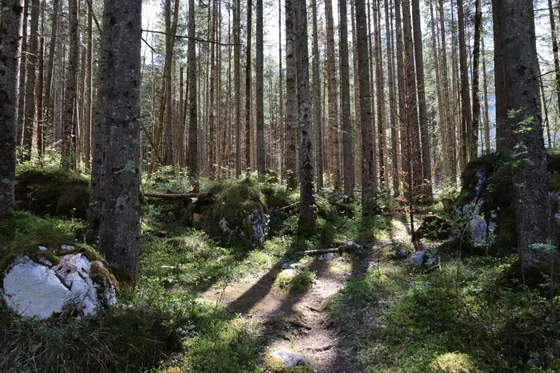
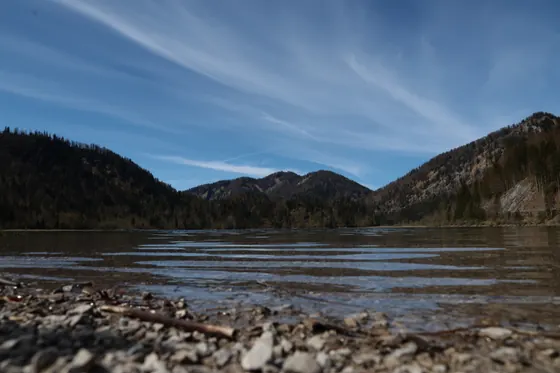


What it looks like
Suggestions, pictures, details
The groups it found on the left, the pictures in the middle, the details of whatever you clicked on the right.
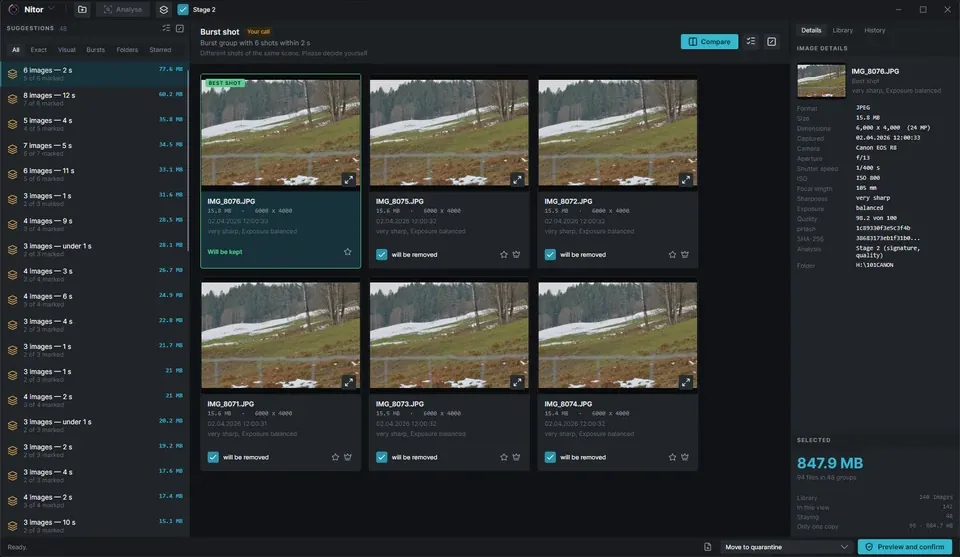
All the pictures of one group side by side, the best one marked.
Reasoning
Every picture gets an assessment
Click a picture and the right-hand side says what it comes down to: sharper than the others, blurred, too dark.
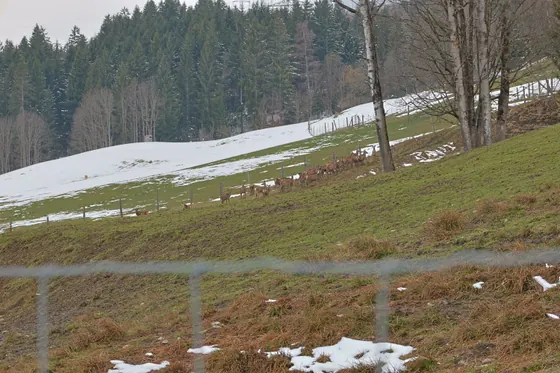
- Sharpness
- very sharp
- sharper than the others in this group
- Exposure
- balanced
- neither too dark nor too bright
- Taken
- 2 Apr 2026, 12:00
- the last shot of the burst
- Camera
- Canon EOS R8
- 105 mm · 1/400 s
- Size
- 15.8 MB
- 24 megapixels
Detect people
And if someone blinked?
Nitor finds faces and sees whether the eyes are open. Where two shots are otherwise equal, the one with open eyes is the one it recommends.
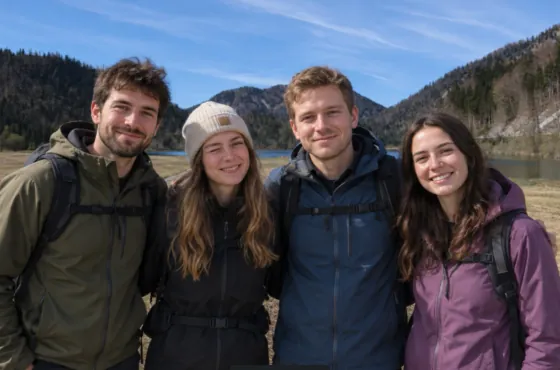 Eyes closed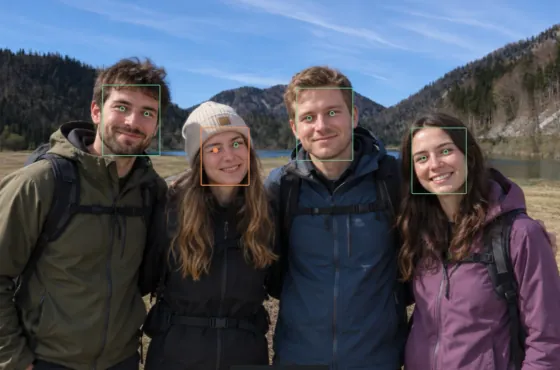
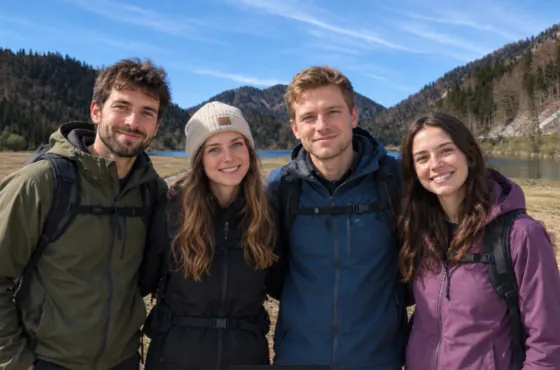 All eyes open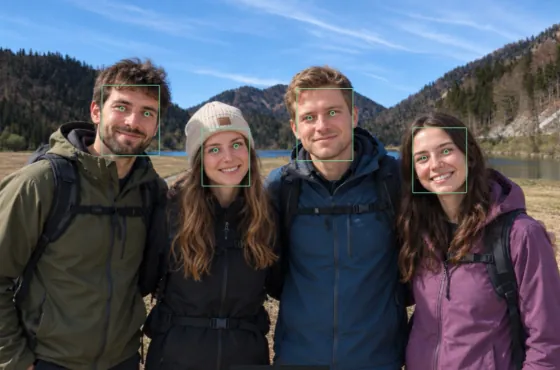
The threshold can be adjusted: stricter when Nitor finds too much, more generous when it finds too little.
Nitor finds faces, but recognises nobody again; it adds no deletion suggestions of its own, and the step is off by default.
Work in progress: the detection is not right every time. Sometimes Nitor marks a face where there is none.
Example photographs, generated with AI. The frames on them come from Nitor.
- 100% private
- 100% local
- No image data leaves the computer
Views
Four ways of simply having a look
These four mark nothing and suggest nothing. They show what is there.
Folders
The collection by place, with counts and sizes.
Only oncePictures with no second copy carry this mark. It shows what would be lost, rather than what can go.
Sort
The same collection on shelves: by capture time, by camera, by file type. Each shelf gives its count and its size.
Shelved by the capture date, never the file date. Anything without one gets a shelf of its own rather than a guessed year.
Starred images
Whatever you starred sits together here, and a bulk selection leaves it alone.
Large view
A double-click shows the picture large. The wheel zooms, dragging moves it.
- ← →
- back, on
- 0
- fit
- 1
- 1:1
- + −
- zoom
- G
- faces
- Esc
- close
Rearrange
The shelves become folders
What the sort view shows, Nitor will also lay down: a folder tree matching those shelves exactly, with every photograph inside it.
Capture time
2026/September/IMG_3275.JPG
Camera
Canon/Canon EOS R8/IMG_3275.JPG
File type
JPEG/IMG_3275.JPG
- Copy
- The originals stay where they are. You then need the space twice over.
- Move
- The originals go along. Nitor records every step and fetches it back if you ask.
You are shown first what would happen: how many pictures, how much space, how many folders. You are asked twice, and the checkbox is yours to tick. Photographs are what gets filed; videos and anything Nitor does not know stay where they are.
Report
What your collection is made of
Four looks at the whole of it — what it holds, where the clearing up is worth doing, how much space really came free, and how you photograph.
- Balance
- How much space is really free. Whatever sits in quarantine still occupies it, and so has a row of its own.
- Collection
- Pictures by year, by format, by camera, and the span of time the collection covers.
- Cleanup
- Which folders hold the most redundancy, and what the occupied space goes on.
- Habits
- Focal length, aperture, ISO and time of day from your own capture data. Which lens do you actually use?
The figures report; they do not push. No badges, no streaks, no comparison with last month. A tool that turns deleting into a score works against its own purpose.
Every figure comes from your library on this computer.
Review
Working through with the arrow keys
One picture after another. Four keys decide, and your hand stays on the keyboard.
Keep
stays where it is
Remove
marked for clearing out
Star it
kept and marked
Back
undo the last decision

IMG_3106 · 1 / 6
Try the arrow keys, or tap a key.
- 0
- kept
- 0
- marked
- 0
- starred
Safety
What you can rely on
Your photographs cannot be replaced. Nitor is built so that every step can be taken back, and the last one is yours.
- Nothing is touched until you agree
- First you see how many pictures and how much space. Only your click sets anything in motion.
- Never the last picture in a group
- One always stays, even if you mark everything.
- Every pass can be undone
- With one click, later as well.
- Set aside rather than deleted
- Nothing is deleted; the pictures move into a folder of their own.
- The real deleting is yours to do
- Nitor clears things to one side. Whether they actually go is yours to decide.
There is one exception, and it is further up the page: rearranging the library moves original files, if you ask it to. There too you are shown what would happen, asked twice, and it can be undone.
Technical
How long does it take?
Measured on a collection grown over years: 13,595 photos from phones and cameras, ninety gigabytes together.
- 4minutes
- for 60,000 photos
- worked out from the run over 13,595 photos
- 61
- times faster the second time
- Nitor only looks at what is new
- 39.3GB
- would be freed up
- 5,587 of the 13,595 pictures were duplicates or part of a burst
A scan depends on several things: above all on how large your pictures are and where they sit. On a network drive it takes considerably longer.
- Runs on
- Windows 10 and Windows 11. Builds for Mac and Linux exist, but they are untested — use and purchase at your own risk.
- Needs
- Microsoft .NET 10. Free, installed once, and shared with any other program that uses it. Without it Nitor will not start.
- Speaks
- German, English, Spanish, French, Italian, Polish, Portuguese, Hindi, Chinese and Japanese. The change takes effect at once, with no restart.
Price
Pay once, no subscription
Clearing out is usually a one-off job and an occasional one after that.
Launch price
€29.99one time
Priced in euro. At checkout Stripe converts to your own currency at the current rate, so the exact amount can differ; you see it before you pay.
At launch only. €39.99 after that.
- For Windows
- All updates within version 1
- On up to three computers in your household
- No account
Nitor searches and proposes. What goes is your call.
Final price. No VAT is charged (§ 19 UStG, German small-business rule).
Formats
What Nitor can read
56 file extensions go through the full analysis, from a phone camera to a raw file. Some of them need a decoder Nitor does not ship with.
.jpg .jpeg .jpe .jfif .mpo .png .webp .tif .tiff .bmp .gif .psd .psb .tga .hdr .heic .heif .hif .avif .jxl .cr2 .nef .arw .sr2 .srf .arq .dng .cr3 .nrw .orf .ori .rw2 .raf .pef .ptx .srw .rwl .x3f .3fr .fff .iiq .cap .eip .mrw .erf .crw .mef .mos .kdc .dcr .k25 .dcs .drf .bay .ari .pxn
Videos, PDF files and graphics are not touched. When the decoder for a format is missing, the file is listed in the report as skipped, with the reason; nothing vanishes quietly. HEIC and AVIF need the HEIF extension from the Microsoft Store; without it, Nitor counts such files and finds exact duplicates among them, no more.
The first run changes nothing
Nitor shows you what is there more than once. What actually goes, you decide afterwards.
Download for Windows